XR device management
ArborXR: device management for XR, made easy

Everything you need to remotely manage your XR fleet in one place: enroll and provision headsets in bulk, configure Wi-Fi and settings, deploy apps and files remotely, and lock down the in-headset experience with Kiosk Mode or a Custom Launcher. Channel XR licenses ArborXR and configures it on your devices before they ship.

View annual subscription Scope a deployment
Device groups

Manage apps, files, and settings in bulk across grouped devices.

Full visibility

Analytics on usage and deployments, with real-time install tracking.

Device health

Battery, storage, and network status for every headset in one view.

Security & control

Enterprise-grade policy control, factory reset, and remote wipe.

Deploy content remotely, control the experience

Build a cloud library of apps and 360° content, deploy and update it remotely with version control and rollback, and share builds with ISV partners without giving them device access.

Kiosk Mode and the Custom Launcher lock headsets to the right content, brand the in-headset UI, and guide users through a focused experience — essential for training fleets and public-facing deployments.

ArborXR device management dashboard
See ArborXR in action

Watch the product demo, then tell us about your fleet — we bundle the license with hardware and pre-ship configuration.

ArborXR provisioning service ›
Works with the fleet you actually run

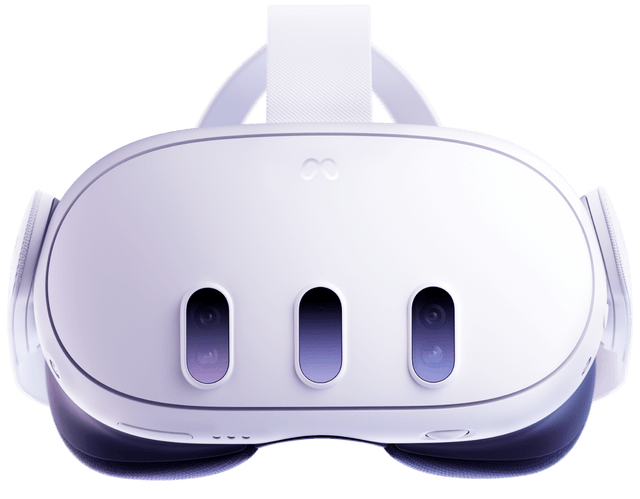
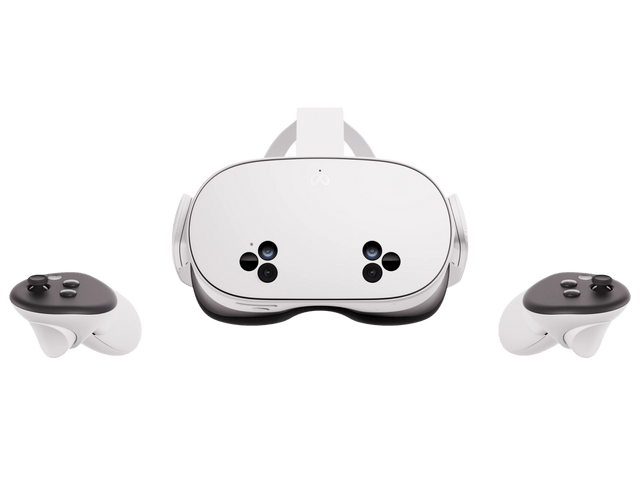
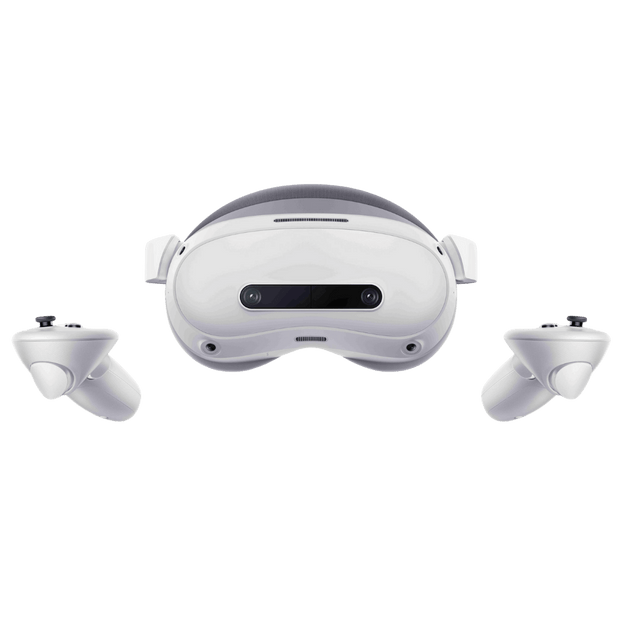
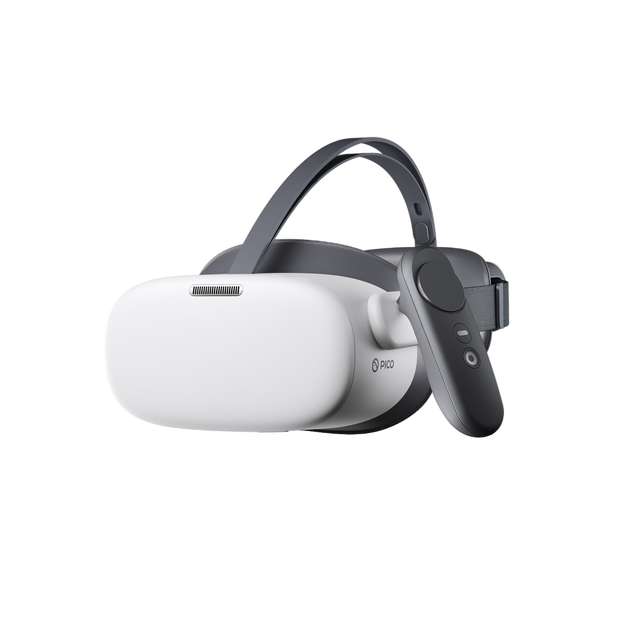
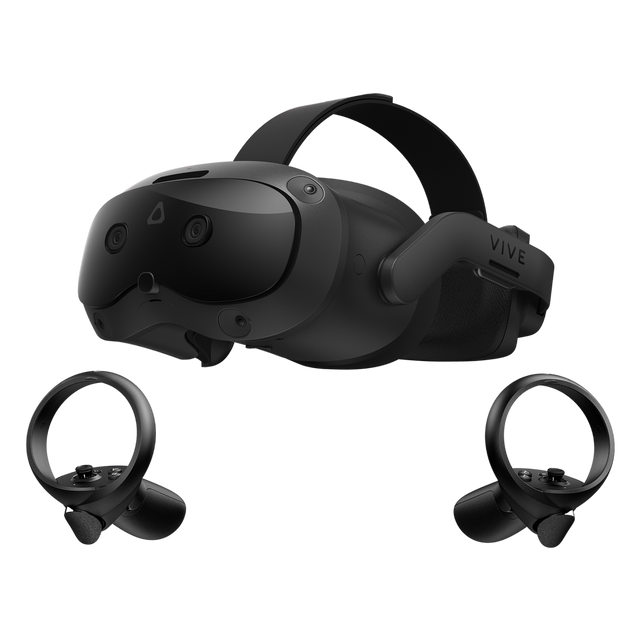
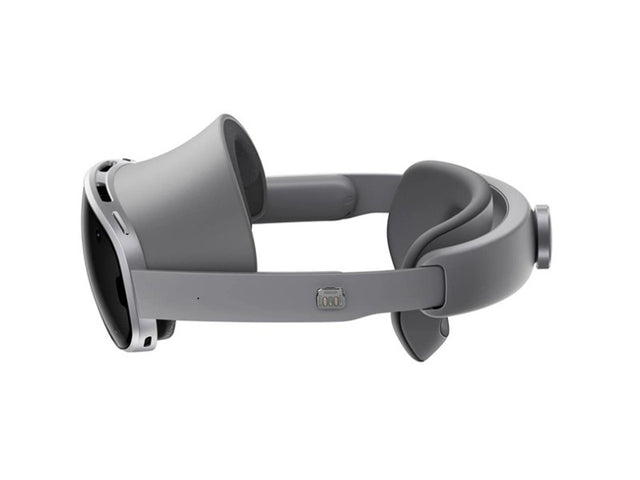
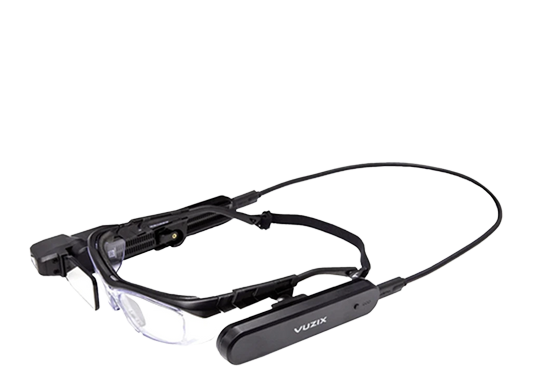
ArborXR manages most Android-based standalone AR and VR devices — Meta Quest 3 and 3S, Pico 4 Ultra Enterprise and G3, HTC VIVE Focus series, Vuzix M400, Lenovo ThinkReality, and more. Channel XR ships your headsets already enrolled.

Scope your deployment