 Licensed and provisioned by Channel XR
Run the whole XR fleet from one console.
ManageXR is the management platform for VR and AR devices. Channel XR licenses it and ships your headsets enrolled, configured, and ready for the first session.
- Push apps, video, and WebXR to every headset
- Lock devices to approved content and settings
- See status, location, and usage for each device

Built for the teams putting headsets to work
Headsets that stay on lesson
- Lock devices to approved content and settings
- Run a class in Rooms and see every student screen
- Keep student data behind enterprise grade security

Training fleets across every site
- Configure each headset to a standard, then monitor it in the field
- Put your brand on the home screen
- SSO, audit logs, and an SLA on Enterprise

Ship builds to customer headsets
- Release channels, app sharing, and device limits
- ManageXR API, CLI for CI/CD, and Device SDK
- Version, patch, and roll back without touching a headset

Clinical VR that patients can just use
- Lock devices to the therapy app during a session
- A simple, branded home screen for first time users
- Device and patient data protected by enterprise grade security

Everything a fleet needs, in one place
Shape the headset experience
A branded multi app home screen, or a single app kiosk that users cannot leave.
Deploy content remotely
Apps, files, 360 and 2D video, and WebXR links, versioned and scheduled per group.
Control devices in real time
Launch apps, set volume and brightness, restart, or power off from the web console.
Run live sessions with Rooms
Every participant screen in one view, one click to launch the group into content.
Add on, betaMeasure what gets used
When devices are active, which content is most popular, and usage by headset model.
Premium and aboveBuild on top of it
The ManageXR API and CLI for custom device controls and CI/CD.
Premium and aboveEvery headset accounted for
One dashboard to view, filter, and sort the fleet: online status, battery, location, installed apps, and firmware. Wi-Fi networks and enterprise certificates go out with the configuration.
- Groups and configurations that mirror your sites
- Firmware update control on PICO and Meta
- Remote factory reset, with factory reset, USB transfer, and developer mode blocked


Configured before the box is opened
Meta Quest enrolls through Meta Horizon managed services, free for all users since February 20, 2026. Channel XR enrolls and loads the configuration in Cleveland, so each headset powers on inside your ManageXR account.
Add pre ship enrollment
Know what the fleet is doing
Usage trends, hours by headset model, and engagement per app, with weekly usage patterns and downloadable data for reports.
Premium and above
Run the room from a tablet
View up to 30 participant screens at once, launch everyone into the same activity, and spot who is off task or low on battery.


Rooms is a per device add on. Pricing and availability are set by ManageXR while it is in beta.
Licensed, enrolled, and shipped ready
Channel XR delivers ManageXR as part of the fleet. One order covers the headsets, the licenses, and the setup.
Configure and request a quote- Headsets enrolled to your account before they ship
- Wi-Fi, kiosk or home screen, and content loaded
- Licenses tracked against your device count
- Net 30 terms and purchase orders
Works with the headsets you deploy
The models Channel XR stocks and ships enrolled:
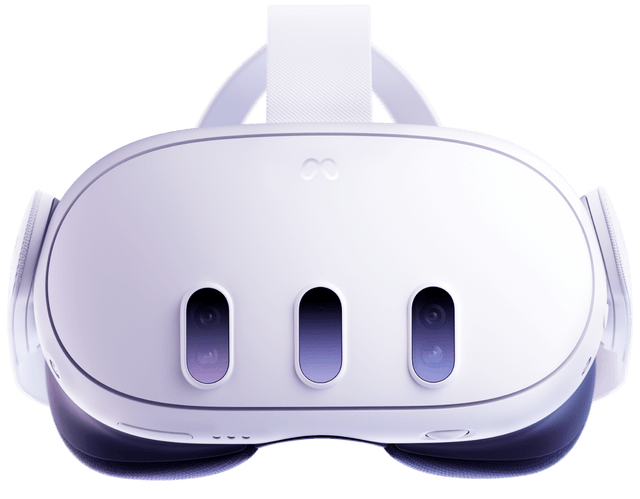
Meta Quest 3
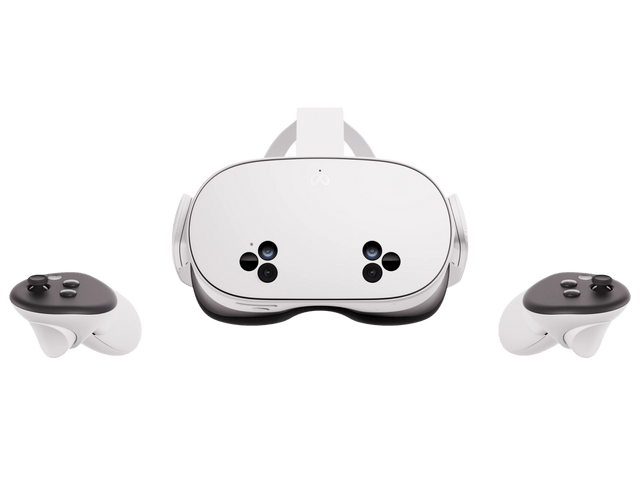
Meta Quest 3S
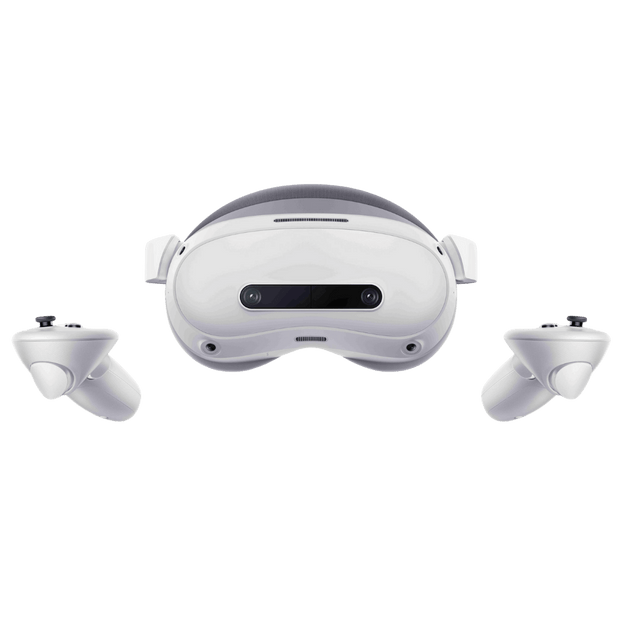
PICO 4 Ultra Enterprise
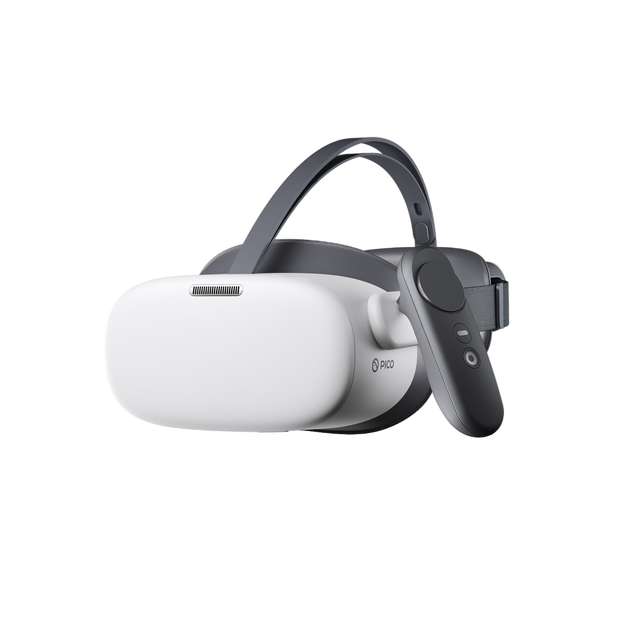
PICO G3+ Enterprise
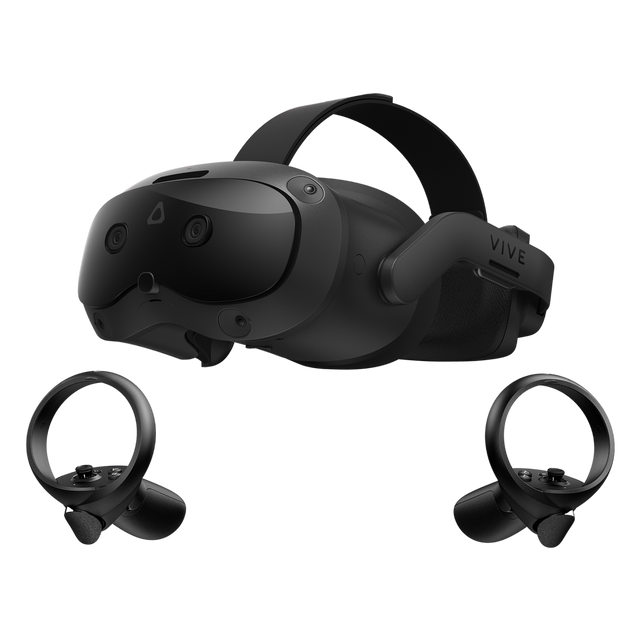
HTC VIVE Focus Vision
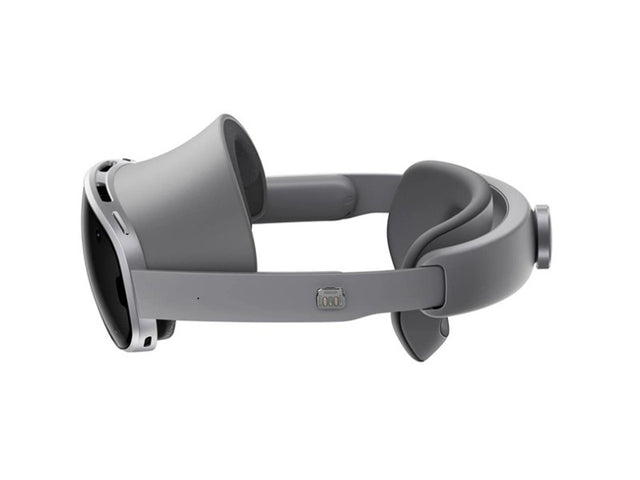
Samsung Galaxy XR
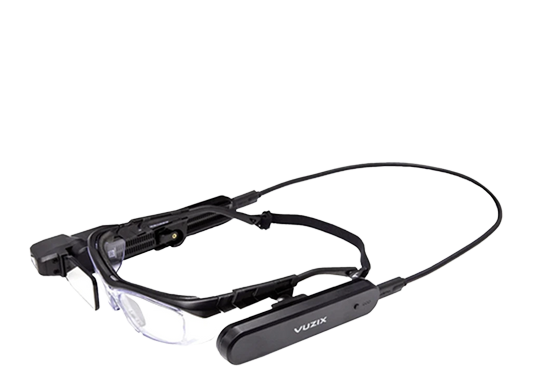
Vuzix M400
Also supported
Lenovo, DPVR, Magic Leap 2, and RealWear devices, per ManageXR. Feature support varies by model.
Plans that fit the deployment
Annual subscription, per device.
Essential
The basics for a first deployment
per device, per year
Includes
- Deploy apps and files, launch remotely
- Secure single app kiosk mode
- No ManageXR branding
- Security, sleep, and native settings
- Device locations and audit logs
- Wi-Fi networks and certificates
- Firmware control on PICO and Meta
Premium
Full control of the deployment
per device, per year
mgxr-prem-c-1Y
Everything in Essential, plus
- 360, 180, and 2D video, WebXR links
- Multi app home screen with your brand
- 3D home environment
- Remote video control and screen streaming
- Usage analytics and charts
- ManageXR API and Device SDK
Enterprise
Advanced features at scale
priced to fleet size
Everything in Premium, plus
- Single sign on
- Dedicated account manager
- Priority support and SLA
- Custom contract and security audits
- Professional services
Essential
The basics for a first deployment
per device, per year
Includes
- Deploy apps and files, launch remotely
- Secure single app kiosk mode
- No ManageXR branding
- Security, sleep, and native settings
- Device locations and audit logs
- Wi-Fi networks and certificates
- Firmware control on PICO and Meta
Premium
Full control of the deployment
per device, per year
mgxr-prem-non-1Y
Everything in Essential, plus
- 360, 180, and 2D video, WebXR links
- Multi app home screen with your brand
- 3D home environment
- Remote video control and screen streaming
- Usage analytics and charts
- ManageXR API and Device SDK
Enterprise
Advanced features at scale
priced to fleet size
Everything in Premium, plus
- Single sign on
- Dedicated account manager
- Priority support and SLA
- Custom contract and security audits
- Professional services
Rooms add on
Live sessions with every participant screen in view. Quoted per device while in beta.

ISO 27001 and SOC certified
Multi factor authentication, customizable user roles, user and device audit logs, and the option to hide user identifying information. Enterprise adds web console SSO and security audits.
Configure your ManageXR deployment
Licenses, pre ship enrollment, and headsets, returned by Channel XR as one quote.
More than a license key
Licensed and renewed
ManageXR plans on annual terms, with renewals tracked against your device count.
Enrolled before shipping
Headsets arrive inside your ManageXR account, in the right group, ready to power on.
Configured to the use case
Wi-Fi certificates, kiosk or home screen, and content loaded to your specification.
One quote, one PO
Meta, PICO, VIVE, and Samsung hardware, accessories, and ManageXR on a single order.
Deploy ManageXR with your next fleet
Tell us the headsets, the device count, and how they should behave out of the box.